

An ethernet plug in wall is simply a flush-mounted RJ45 jack that connects your device to the home or office network through a cable hidden inside the drywall. Minneapolis homeowners and small businesses increasingly want one because a wired connection delivers consistent gigabit speeds that Wi-Fi cannot match in older brick and plaster construction common across neighborhoods like Uptown, Northeast, and South Minneapolis.
Switchback Systems serves the Minneapolis metro with licensed low-voltage installation, and this guide breaks down every option you have: full DIY with materials from a local Home Depot or Menards, a hybrid approach where you pull the cable yourself, and a turn-key professional install. You will find real price ranges for each path so you can match the right choice to your budget and skill level.
Key takeaways from this article:
- A single ethernet plug in wall requires four parts: a wall plate, a keystone jack, a mounting bracket, and in-wall-rated Cat6 cable, and Minneapolis-area retailers stock all four.
- DIY material costs for one jack run roughly $31 to $83 including a punch-down tool you can reuse on every additional jack.
- Professional installation in the Minneapolis metro typically runs $75 to $200 per jack, covering labor, materials, and a tested, finished outlet.
- Cat6 is the right cable choice for new runs in Minneapolis homes today because it supports multi-gigabit speeds and is priced only slightly above Cat5e at local suppliers.
What an Ethernet Plug in Wall Actually Is (and Why Minneapolis Homes Need One)
An ethernet plug in wall is a low-voltage wall outlet that terminates a run of Cat5e or Cat6 cable inside the wall, presenting a clean RJ45 port at the surface so a patch cable can connect a TV, desktop, gaming console, or work-from-home setup. Unlike a power outlet, it carries no mains voltage, which means a licensed electrician is not legally required for the cable run itself in Minnesota under most residential low-voltage codes.
Minneapolis housing stock skews older, with a large share of homes built before 1990 when structured cabling was not standard. Thick plaster walls, balloon-frame construction, and finished basements all create routing challenges that affect how long a professional installation takes and therefore what it costs.
If your home office is in a finished lower level or a second-floor bedroom far from the router closet, a wired ethernet port eliminates the dead zones and congestion that show up when multiple people stream or video-conference simultaneously. A single properly installed jack can also anchor a small unmanaged switch, giving you three or four wired ports from one wall outlet without additional cable runs.
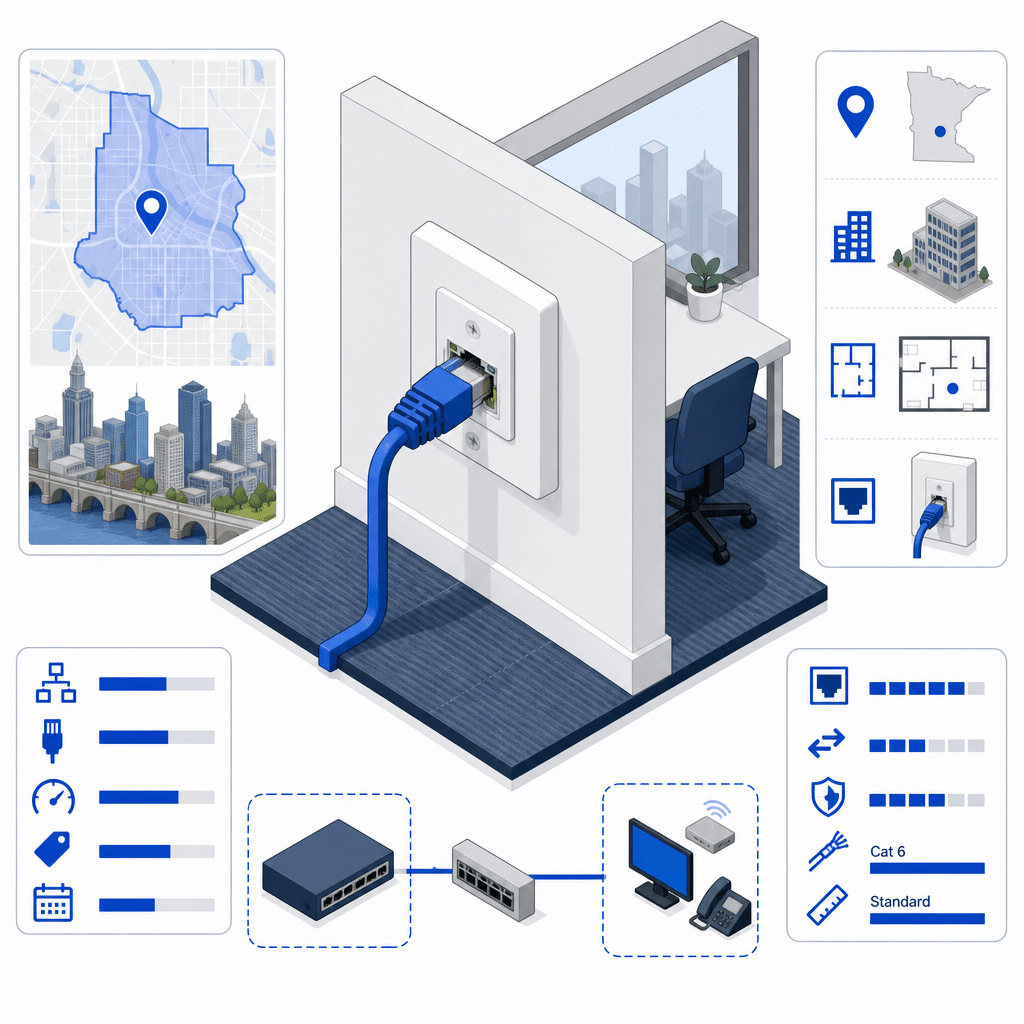
Ethernet Plug in Wall: Minneapolis Cost Reference Table
Material prices reflect Minneapolis-area retail availability at major home-improvement stores. Professional labor range is based on low-voltage and handyman contractor rates reported in the Minneapolis-Saint Paul metro, including nearby Richfield community sourcing data.
The Four Components of Every Ethernet Plug in Wall Installation
Every ethernet plug in wall installation, whether DIY or professional, uses the same four hardware pieces: an in-wall-rated Cat6 cable, a keystone jack that terminates the wire pairs, a low-voltage mounting bracket that holds everything flush against the drywall, and a single-gang wall plate that covers the bracket and presents the finished port. Understanding each component helps you compare quotes accurately when talking to contractors in the Minneapolis area.
The cable is the most consequential choice. Cat6 solid-conductor cable rated for in-wall or plenum use costs $15 to $35 for a 50-foot segment at Minneapolis-area big-box retailers, and plenum-rated cable is required if the run passes through an air-handling space such as a dropped ceiling above an HVAC return.
The keystone jack is the termination point where the eight individual wires get punched down in a precise T568B or T568A pattern. A basic Cat5e keystone costs about $2, while a shielded Cat6 insert runs up to $8, and the quality of the punch-down connection determines whether the link negotiates at full gigabit speed or drops to 100 Mbps.
The mounting bracket and wall plate together add $4 to $15 to the bill of materials, and the only tool required beyond a drill and a fish tape is a punch-down tool ($10 to $25 one-time purchase) to seat the wires cleanly into the jack.
DIY vs. Professional Installation: A Realistic Minneapolis Cost Comparison
A Minneapolis homeowner who is comfortable in a crawlspace or attic and owns a drill can complete a single ethernet plug in wall installation for roughly $31 to $83 in materials, with the punch-down tool being a reusable one-time cost that drops the per-jack price on every future run. The math works only if the cable path is accessible: an open basement ceiling or an attic above a first-floor bedroom makes the job straightforward, while a fully finished wall with no attic or crawlspace access can require cutting drywall and patching it afterward.
Professional low-voltage contractors in the Minneapolis metro, including providers serving Richfield, Eden Prairie, and Saint Paul, typically charge $75 to $200 per jack, a price that includes labor, materials, the cable run, termination at both ends, and a basic continuity test. Multi-jack projects reduce the per-port cost because travel and setup time get spread across more outlets.
The hybrid path is worth considering for homeowners who want to save money but lack confidence in termination work: pull the cable yourself through the wall opening you cut, then hire a technician only for the punch-down termination and testing. This approach is uncommon but any reputable low-voltage contractor will quote it, and it can cut the professional labor portion significantly on straightforward runs.
One cost that surprises many Minneapolis homeowners is drywall repair. If a cable must be fished through a finished wall without attic or basement access, the installer will need to cut one or more access holes, and patching those holes adds time and sometimes a separate drywall trade visit to the total project cost.
Choosing the Right Cable Category for Your Minneapolis Home or Office
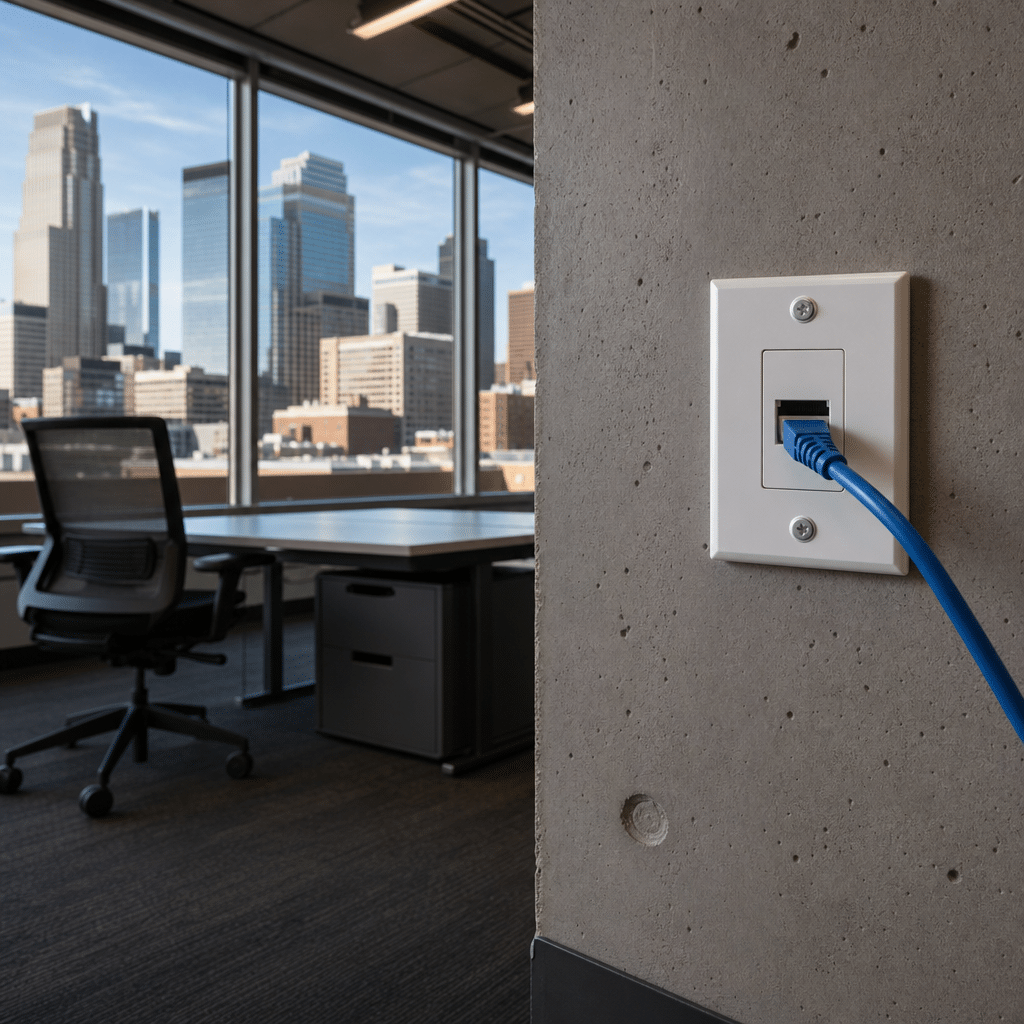
Cat6 is the practical standard for any new ethernet plug in wall installation done in 2025 or later. It costs only marginally more than Cat5e at Twin Cities retailers, supports 1 Gbps at runs up to 328 feet and 10 Gbps at runs up to 165 feet, and will accommodate any residential internet plan currently offered by Comcast, CenturyLink, or fiber providers in the Minneapolis market.
Businesses planning larger network overhauls often ask whether the incremental cost of Cat6a is justified, and our detailed comparison of Cat6 Vs Cat6a breaks down the speed, distance, and budget differences that matter for Minneapolis offices.
Cat5e is still acceptable for replacing a single damaged jack in an older structured wiring system where the rest of the home is already Cat5e, because mixing categories in the same run does not improve performance. Upgrading a full home to Cat6 during a renovation or when walls are already open is the more cost-effective long-term choice.
Shielded Cat6 (F/UTP or S/FTP) is worth the small price premium in Minneapolis homes that have significant electrical noise sources nearby, such as a panel in the same wall cavity, large HVAC equipment, or a workshop with motor-driven tools. The shielded keystone jack and cable must be bonded to ground at one end to be effective, which is a detail best handled by a licensed low-voltage technician.
What to Ask a Minneapolis Low-Voltage Contractor Before You Hire
Minnesota requires low-voltage contractors to hold a Technology Systems Contractor (TSC) license issued by the Department of Labor and Industry. Before signing any estimate for an ethernet plug in wall project in Minneapolis, confirm that the contractor holds a current TSC license or employs a licensed Power Limited Technician on-site for residential work.
Ask specifically whether the quote includes termination at both ends of the cable run, not just the wall-plate end. Many single-jack quotes terminate the jack at the wall but leave the other end as a bare pigtail at the router closet or patch panel, which requires a second visit or a punch-down panel the homeowner must purchase separately.
Request that each completed jack be tested with at least a basic continuity tester before the technician leaves the site. A properly wired Cat6 jack that fails to negotiate gigabit speed often has a crossed pair at the punch-down, a defect that takes two minutes to fix on-site but hours to diagnose remotely after the fact.
Finally, get a line-item quote that separates labor from materials. This protects you from material markups and lets you compare bids from multiple Minneapolis contractors on an apples-to-apples basis, since some contractors charge retail for commodity items like cable and keystone jacks that you could source yourself at Menards for a fraction of the price.
Switchback Systems: Ethernet Plug in Wall Installation Across Minneapolis
Switchback Systems is a Minneapolis-based low-voltage contractor specializing in Cat6 ethernet cabling, structured wiring design, and network infrastructure for both residential and commercial clients across the Twin Cities metro. Every installation is performed by licensed technicians and follows TIA-568 wiring standards so the finished jacks are tested, labeled, and documented.
Whether you need a single ethernet plug in wall added to a home office in Linden Hills or a dozen jacks distributed across a commercial suite in the North Loop, Switchback provides a free site assessment and a line-item quote before any work begins. Clients get a tested, finished outlet, not just a cable stapled to the baseboard.
The team also handles the full network stack when needed: patch panels, structured media centers, PoE switches for access points, and security camera cabling can all be integrated in the same project visit, reducing the per-jack effective cost on larger jobs.
For businesses that need a complete infrastructure overhaul rather than a single jack, Switchback Systems also provides full-scale Network Cabling Installation Minneapolis Mn that covers everything from structured wiring design to patch panel integration across commercial suites and multi-floor properties.
Frequently Asked Questions
How long does it take to install a single ethernet plug in wall in a Minneapolis home?
A straightforward single-jack install with basement or attic access typically takes one to two hours from first cut to finished, tested outlet. Homes with limited access, plaster walls, or long cable runs can take three to four hours for a single drop.
Do I need a permit to install an ethernet jack in my Minneapolis home?
In most Minneapolis residential applications, a low-voltage data jack does not require an electrical permit because it carries no mains voltage. However, if the run passes through a fire-rated wall assembly or a plenum air-handling space, local building code may impose specific materials requirements, so confirming with the City of Minneapolis 311 line before starting is always a safe step.
What is the difference between a Cat5e and a Cat6 ethernet plug in wall?
Cat5e supports gigabit speeds at runs up to 328 feet and is sufficient for most current home internet plans. Cat6 supports the same distance at gigabit and additionally handles 10 Gbps at shorter runs, making it the better choice for any new installation where the wall is already open.
Can I add more ports to the same wall plate later without running new cable?
A single-gang wall plate can hold one or two keystone jacks, and a double-gang plate can hold up to four, but each port requires its own dedicated cable run back to the router or patch panel. Adding a port after the fact means fishing another cable through the wall, so it is usually most cost-effective to plan for the number of jacks you expect to need and run all the cables in one visit.
Businesses that need more than a single drop should review How To Plan A Network Wiring Project For a full office layout before scheduling any cable runs.
Why does my ethernet plug in wall only connect at 100 Mbps instead of 1 Gbps?
The most common cause is a wiring error at one of the two termination points, usually a crossed or split pair at the keystone punch-down. A technician with a basic cable tester can identify and fix the fault in minutes, and re-terminating a single keystone jack is far less expensive than replacing the cable run.

About the author
Steve Dempsey - Owner
Steve Dempsey is the owner of Switchback Systems, a Minneapolis PBX and VOIP phone-system specialist that has supported local businesses for over 20 years across brands like Vertical, Avaya, and Nortel.
